
Management Consultants
Deliver polished, on-brand presentations that win client trust.
Powerful tools to automate formatting, align content, manage text, enhance animations, ensure quality, sanitize documents, and automate workflows – so you can create better presentations, faster.
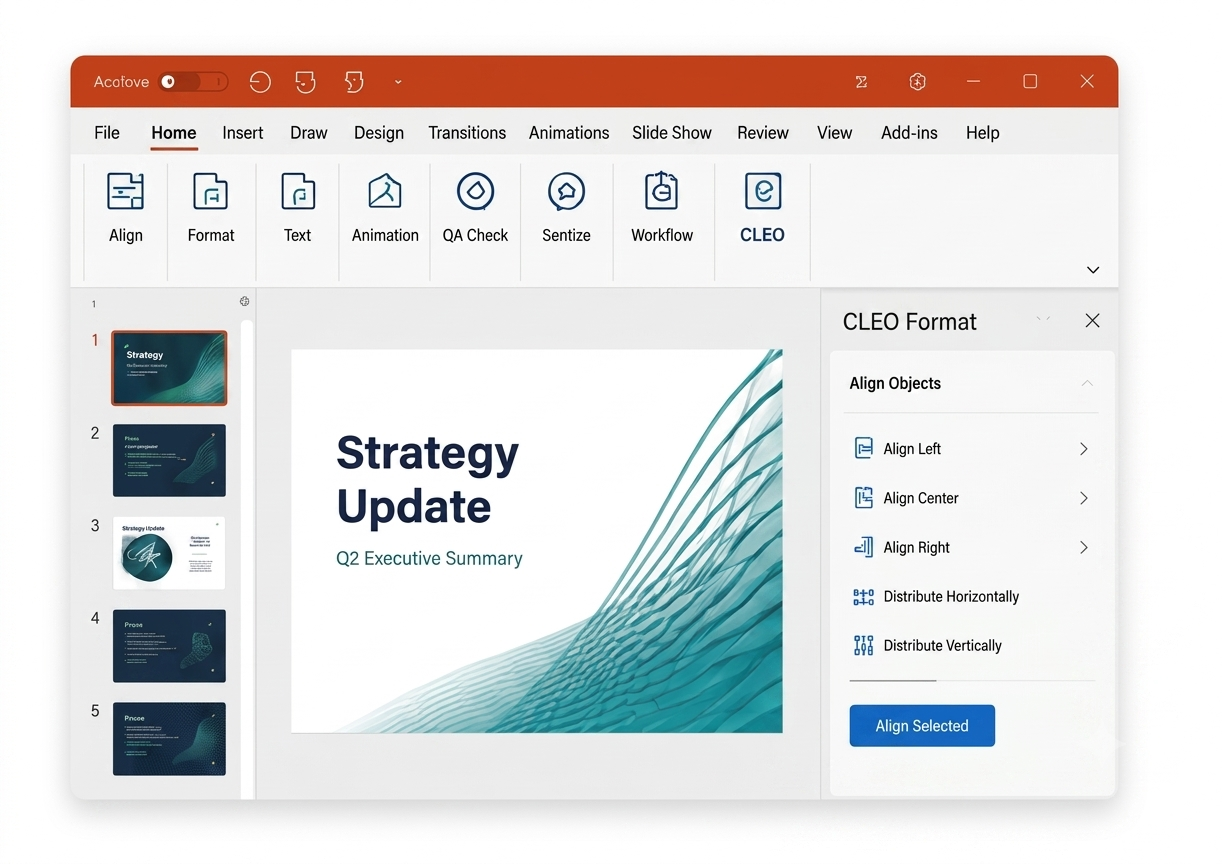
Align, distribute, and standardize slides in seconds. Apply your brand standards across layouts, masters, and elements automatically.
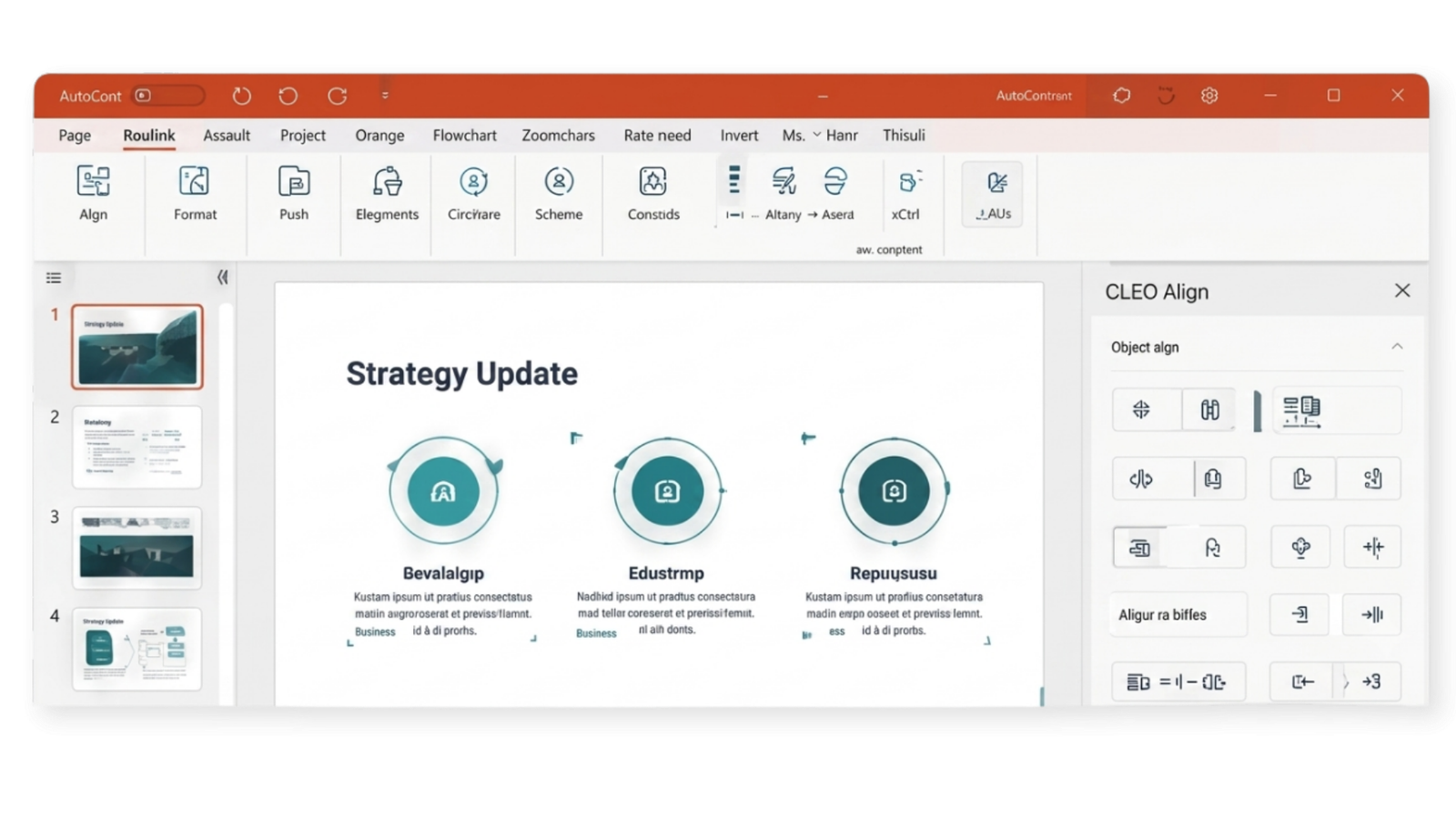
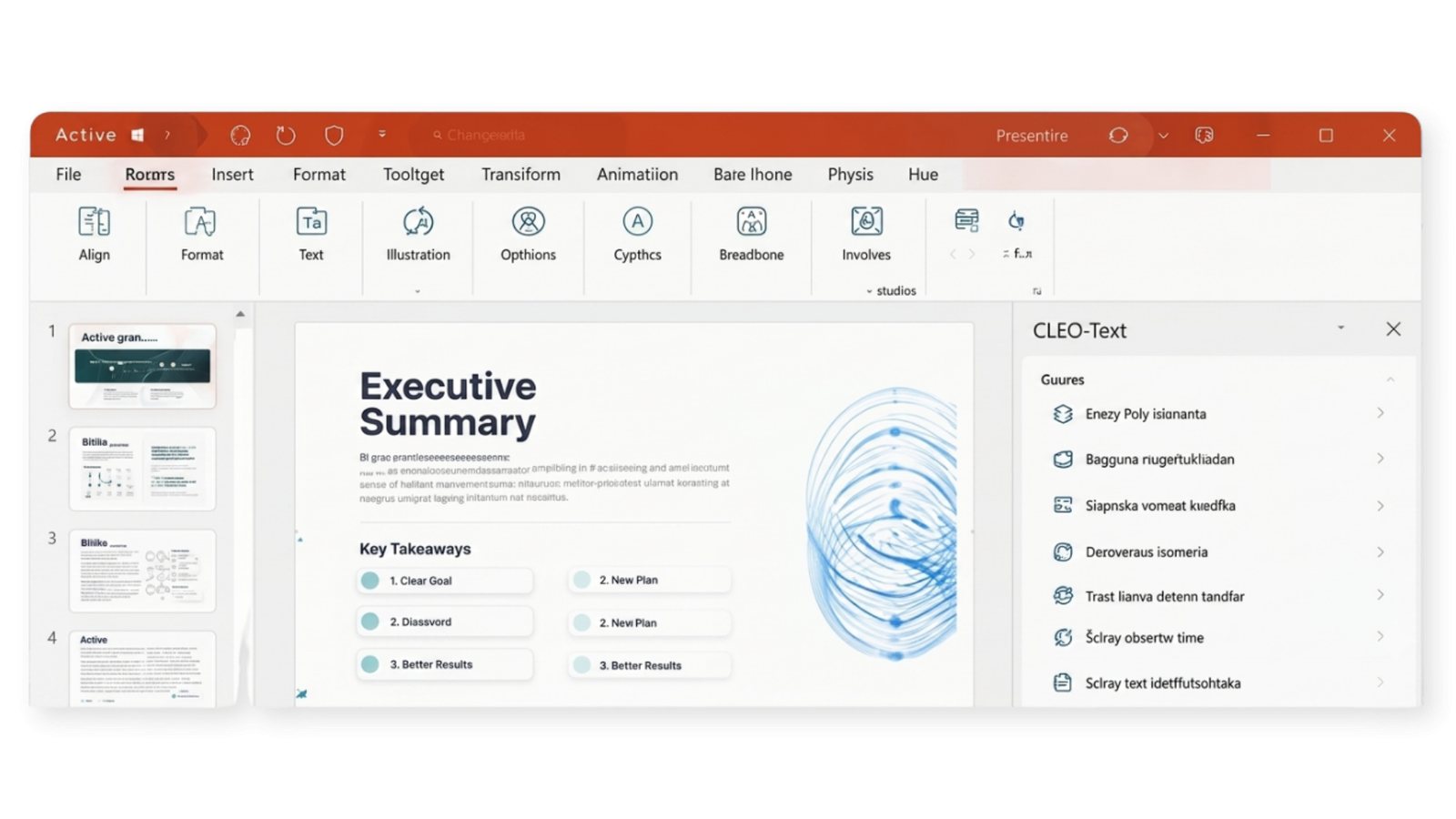
Powerful text tools to clean, transform, and optimize your content – so your message is clear, consistent, and executive-ready.
Add professional polish with advanced animation controls and ensure your slides are error-free and presentation-ready.
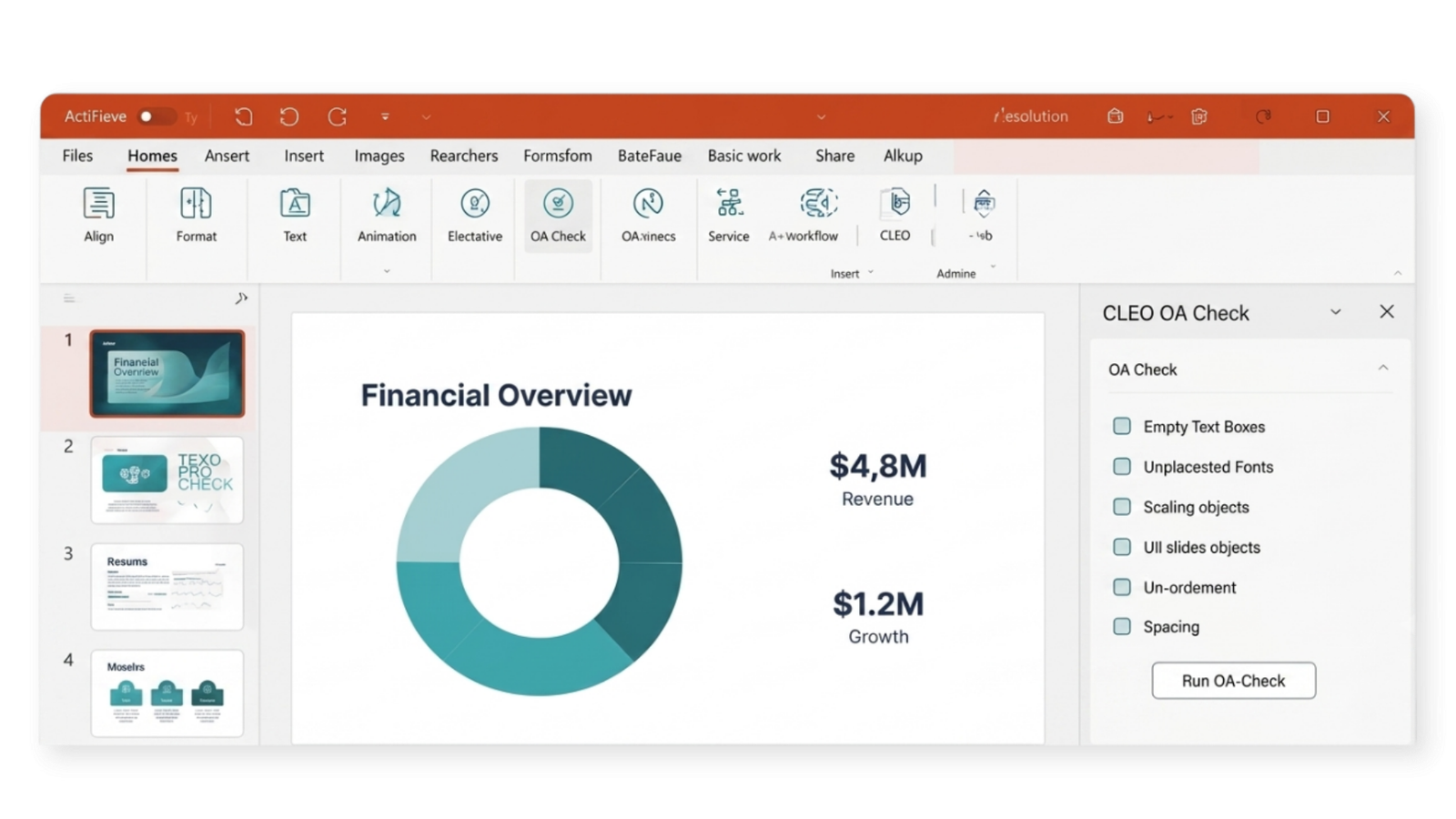
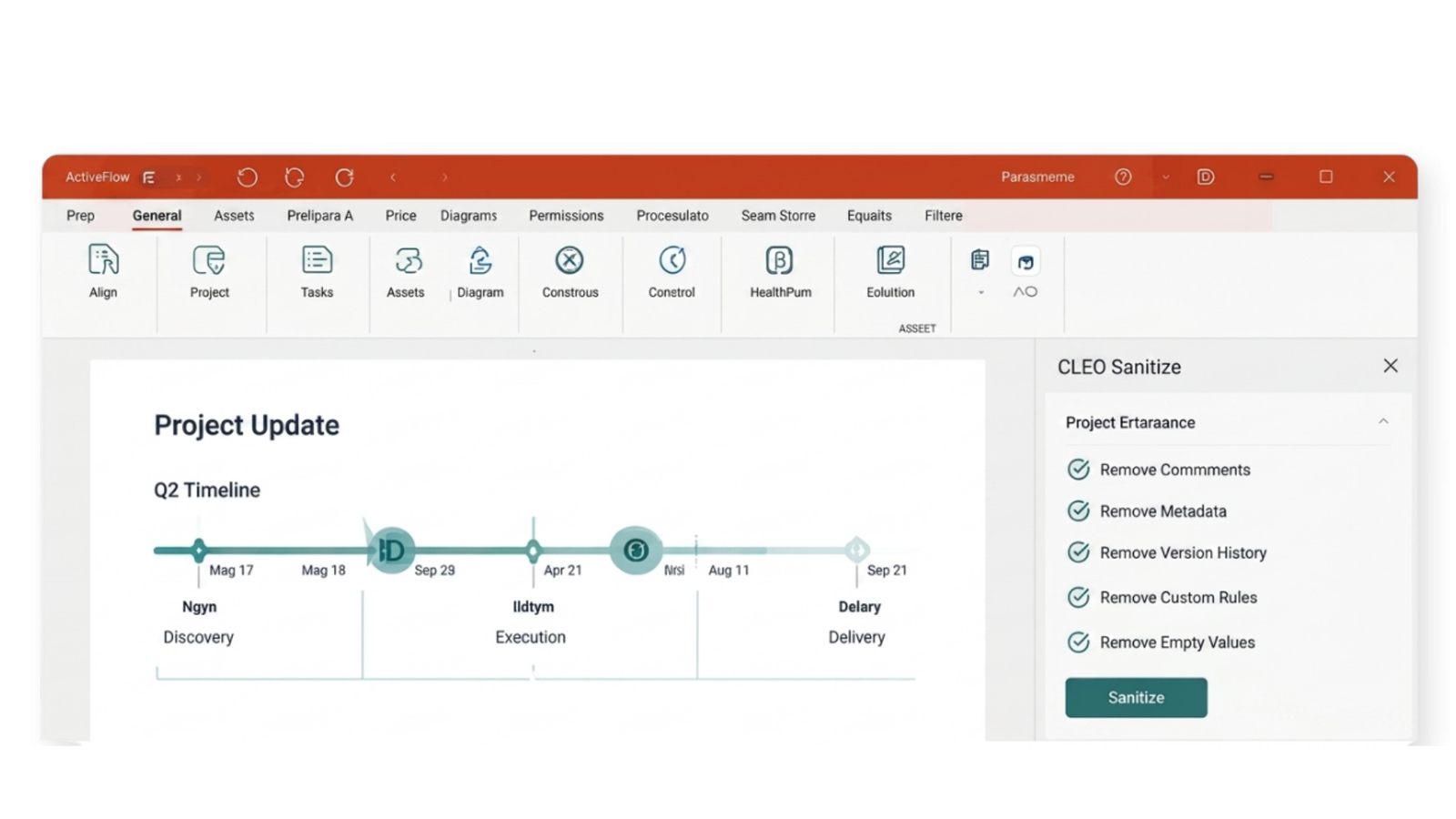
Remove hidden data, protect sensitive information, and automate workflows so your team stays secure and productive.
Purpose-built tools for every presentation challenge.
Automate repetitive tasks and focus on what matters.
Built exclusively for Microsoft PowerPoint on Windows.
Secure, scalable, and trusted by organizations worldwide.
Start with a template
or from scratch.
Automate alignment,
layout & branding.
Refine text, visuals
& animations.
Run quality checks
& sanitize.
Deliver with confidence
and impact.
CLEO is a productivity add-in for Microsoft PowerPoint that helps professionals create high-quality presentations more efficiently. It provides over 200 productivity tools for formatting, alignment, text management, animation, quality assurance, and presentation automation – all within the PowerPoint environment.
CLEO is designed for Microsoft PowerPoint on Windows and supports modern desktop versions, including Microsoft 365. For detailed compatibility requirements, please refer to the product documentation or contact our support team.
Yes. CLEO is designed to support organizations that require standardized presentation workflows. Administrators can manage deployments and help teams maintain consistent formatting, branding, and productivity across the organization.
Yes. CLEO works within Microsoft PowerPoint and is designed to help users create and manage presentations efficiently. Features such as document sanitization assist in removing sensitive information before presentations are shared, supporting secure presentation workflows.
Yes. CLEO integrates directly with Microsoft PowerPoint and is compatible with Microsoft 365 desktop applications on Windows, allowing users to work seamlessly within their existing Office environment.
Getting started is simple. Install the CLEO add-in, activate your license, and access the complete suite of productivity tools directly from the PowerPoint ribbon. You can also explore the documentation, tutorials, or request a personalized product demonstration to help your team get up and running quickly.